See it framed, on a real wall
Upload your painting, print or photograph, choose a frame and a mount, and see it hung in rooms that suit it. Download the ones you like, with no watermark. No account needed to start.
Artists and print sellers choosing a frame, and buyers deciding between black, oak and a mount.
- Frames
- Slim, box and floating, in black, white, oak, walnut, gold, silver or any colour, with or without a window mount.
- Size
- The frame and mount are added to the size that hangs.
- Price
- Free. No card, and no account for your first two works.
- Watermark
- None, on any download.
- Rooms
- 50+ without an account, 700+ with a free one.
- Downloads
- 2048 px JPGs. A free account includes 5 downloads; paid plans have no cap.
The same work, six frames
One painting, 40 × 50 cm, on one wall: with no frame, then in five of the frames you can choose. Each hangs at its framed size.
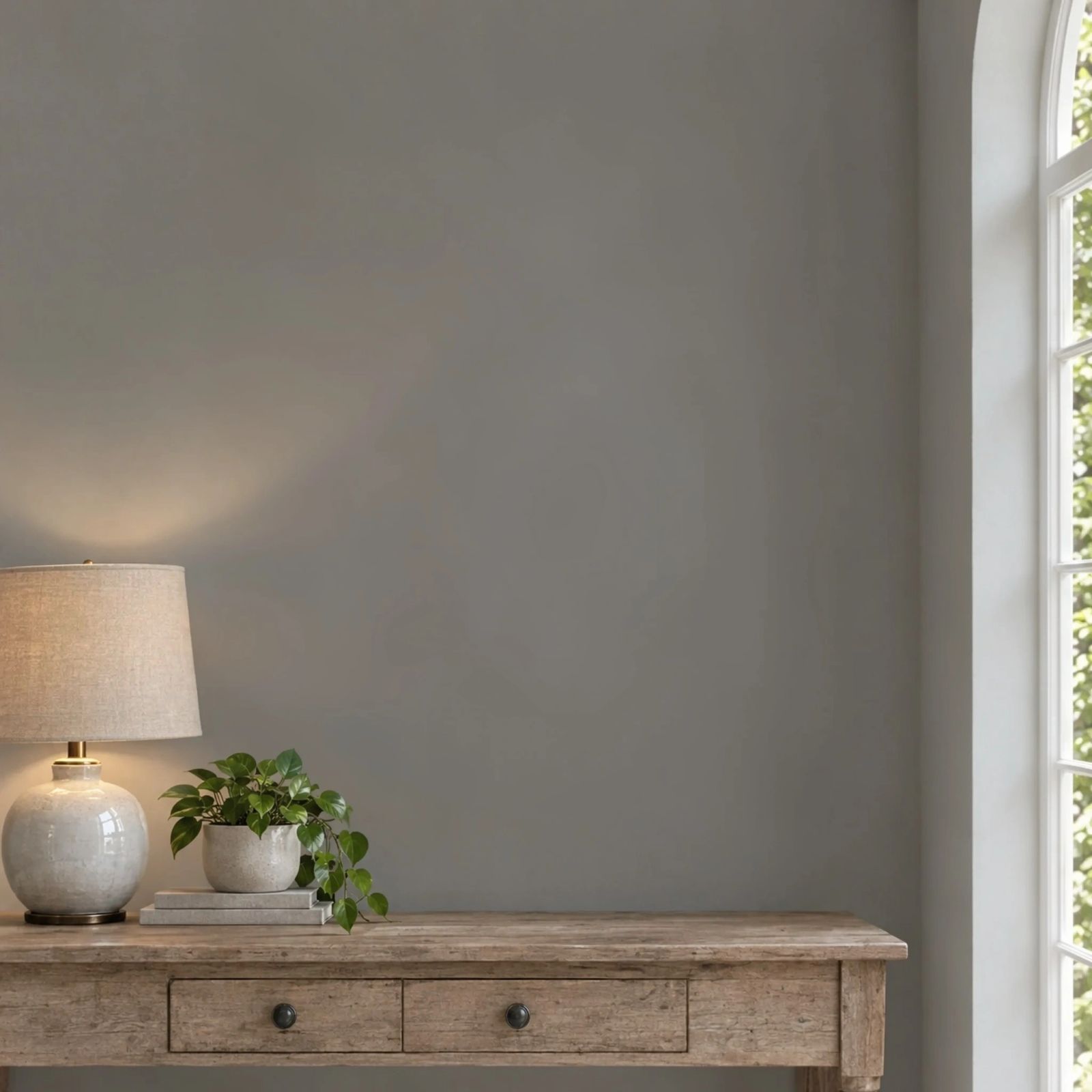
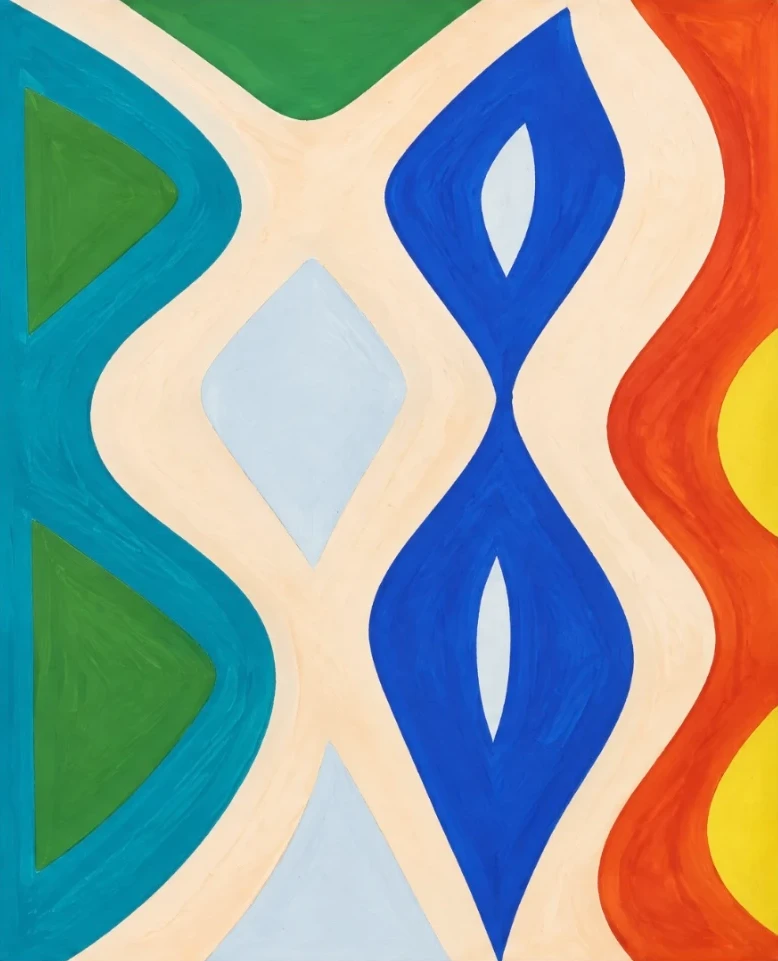
No frame · 40 × 50 cm
Black · 56 × 66 cm
Black frame, white window mount
White · 56 × 66 cm
White frame, white window mount
Oak box · 57 × 67 cm
Oak box, off-white float mount
Walnut · 56 × 66 cm
Walnut frame, off-white window mount
Gold · 56 × 66 cm
Gold moulded frame, off-white window mount
Without a mount
Not every work wants a mount. A slim frame can go straight round a print or a painting on board, and a canvas sits in a floating frame with a small gap all round, so the edges of the painting show.
Plain black · 44 × 54 cm
Black frame
Plain oak · 43 × 53 cm
Oak frame
Plain walnut · 44 × 54 cm
Walnut frame
Black canvas · 43 × 53 cm
Black floating frame
Oak canvas · 44 × 54 cm
Oak floating frame
Gold canvas · 44 × 54 cm
Gold floating frame
Frame styles
Slim
A flat or moulded frame, 1 to 6 cm wide. It suits prints, photographs and works on paper.
Box
A deep frame whose sides shade the work inside. It suits works that should read as objects, and pairs well with a float mount.
Floating
A tray frame for canvases, with a 5 mm gap all round, so the canvas seems to float. It takes no mount.
Window mount
A card border with the work showing through a cut window. On a 40 × 50 cm work it starts at 6 cm, and you can set it from 2 to 15 cm, in white, off-white, black or any colour.
Why it looks real
The frame has depth
Each frame is drawn with its moulding and edges, lit from the side the room’s light comes from, and casts that light’s shadow. It reads as an object on the wall, not a border.
The mount is a width in cm
You set the mount in centimetres. A 6 cm mount is 6 cm in every room, and the work inside stays the size you gave.
The framed size is what hangs
A 40 × 50 cm work in a 2 cm black frame hangs at 44 × 54 cm, and at 56 × 66 cm with a 6 cm mount. Every room shows the framed size, so the mockup matches what arrives.
Frame your own work
Add a photo of your work and its size, then choose the frame. A first visit starts on black with a white window mount. Change it to any frame, and your work hangs framed in the rooms below.
JPG, PNG or WebP. Free, no account, no watermark.
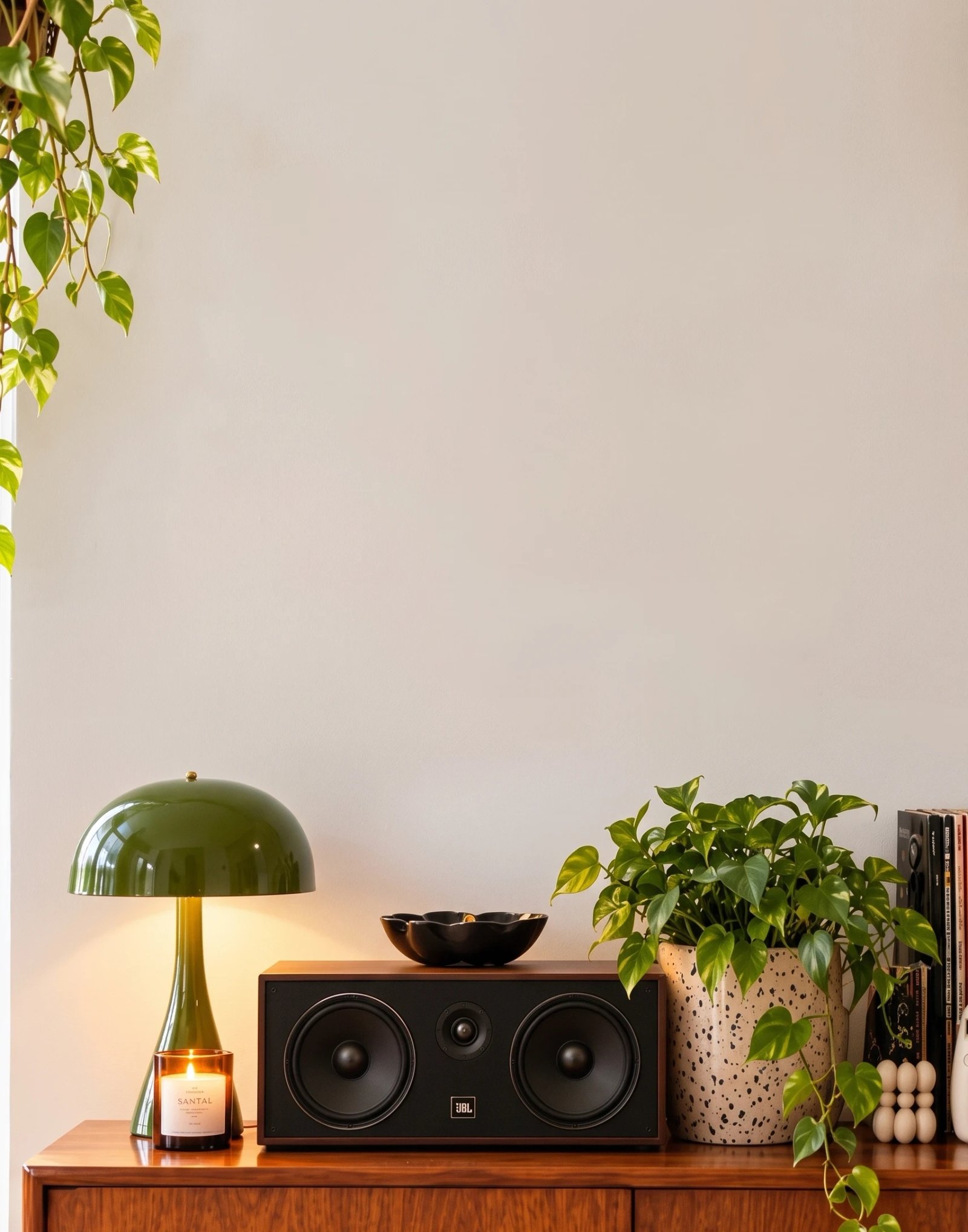
A sample painting, 50 × 44 cm, hung at its real size. Drop your artwork in above and it takes its place here and in every room below.
Rooms on this page
Picking the frame and mount size
Start from the work. A mount of about 6 cm suits a 40 × 50 cm work, a little wider on a small print and narrower on a large one. Try two or three in the rooms before you order.
Buying a ready-made frame? Frames are sold by the picture they hold, so the mount fills the gap between your print and the frame. The frame size calculator shows which frames take your print and how wide the mount will be.
How to make one
Step 1
Upload your work
A photo or scan, cropped to its edges. JPEG, PNG or WebP.
Step 2
Set its size
Width and height in centimetres or inches, without the frame. The frame is added to it.
Step 3
Choose the frame and mount
Pick a preset, or set the style, colour, frame width and mount yourself. The rooms show the work in that frame.
Step 4
Download
Download the rooms you like as full-size JPGs with no watermark.
Questions
- Is this a frame mockup template?
- No. There is no PSD to edit. You upload your own work, choose a frame and mount, and it hangs framed in the rooms at its size.
- Can I add a mount or mat?
- Yes. Choose a window mount, where the work shows through a cut window, or a float mount, where it sits on the card. Set its colour and its width in centimetres.
- Does the frame change the size on the wall?
- Yes. The frame and mount are added on every side. A 40 × 50 cm work in a 2 cm frame with a 6 cm mount hangs at 56 × 66 cm, and that is the size every room shows.
- Can I show the same work in several frames?
- Yes. Download it in one frame, change the frame on the rooms page or in the studio, and download again.
- Which frame colours can I choose?
- Black, white, oak, walnut, gold and silver, or any colour you pick, flat or moulded, in a painted, wood or metallic finish. Mounts come in white, off-white, black or any colour.
- Is it free, and is there a watermark?
- Yes. Frames, mounts and downloads are free, with no watermark. Your first two works need no account and hang in 50+ rooms. A free account opens 700+.
See your work framed
Upload once, try a frame and a mount, and download the rooms that suit it. Free, with no watermark.
Frame your work freeMore free tools
- Video of your art on a wallA vertical video for Instagram, TikTok and Reels: your work hung at its real size in rooms you pick, with the camera moving across each one. First video free with no account, no watermark.
- Video of your art through six roomsA vertical video that cuts through six rooms on the beat, your work hung at its real size in each one and filling more of the frame every cut. Pick a room style; the rooms themselves are chosen for your work. First video free, no watermark.
- Short video of your art in a roomAbout 12 seconds: a slow look up your work's surface, the whole work on the wall, then hung at its real size in a room you pick, ending on its title and size. First video free, no watermark.
- Close-up photos of your artA styled close-up of your work in a real room, the kind of shot that looks professionally photographed. Your own painting, not a redrawing. Free account, no watermark.
- Etsy listing photo generatorTen square listing photos of your work in ten rooms, each at its real size. 2000 × 2000 px, under 1 MB, numbered in listing order, in one download.
- Your painting in a client’s room photoUpload a painting and a photo of a collector’s or client’s wall, set the room’s scale with one chair, and see the work hung there at its real size, in your browser. Free to try, the photo never leaves your device; the full-size image is Pro.
- Exhibition mockupsInstallation views of your show before you hang it: your works together in gallery rooms, straight on and from the angle a visitor sees. Free, no watermark.
- Print on demand mockupsListing photos for print on demand: your print in up to six rooms in one zip, at each size you sell, plus a close-up. Free, no watermark, no account to start.
- Office and hotel art mockupsPresent a painting or print in an open-plan office, a meeting room, a hotel lobby and bedroom, a restaurant and a café, at its size. For art consultants, dealers and artists. Free, no watermark.
- Print size calculatorEvery standard print size your image fits without cropping, how sharp each one prints, and the print on a real wall at its real size.
- Frame size calculatorWhich ready-made frame takes your print, how wide the mount will be at the sides and top, and the framed print on a real wall. A sizes, centimetres and inches.
- Wall art size calculatorThe size of art that suits a sofa, bed, sideboard or fireplace, the standard sizes that fit, and that size hung above one just as wide in real rooms.
- Print resolution checkerWhether your image prints sharp at A4, A2, a poster or any custom size, how much a crop trims off, and the print hung at its real size.
- Wall art mockup generatorUpload your work, add its size, and see it hung at its real size in 60 rooms at once, 700 with a free account. No watermark, no account needed to start.