Print size calculator
Find every standard size your image prints at without cropping, how sharp each one will be, and see the print on a real wall at its real size. Inches, A sizes and centimetres. Your image stays on your device.
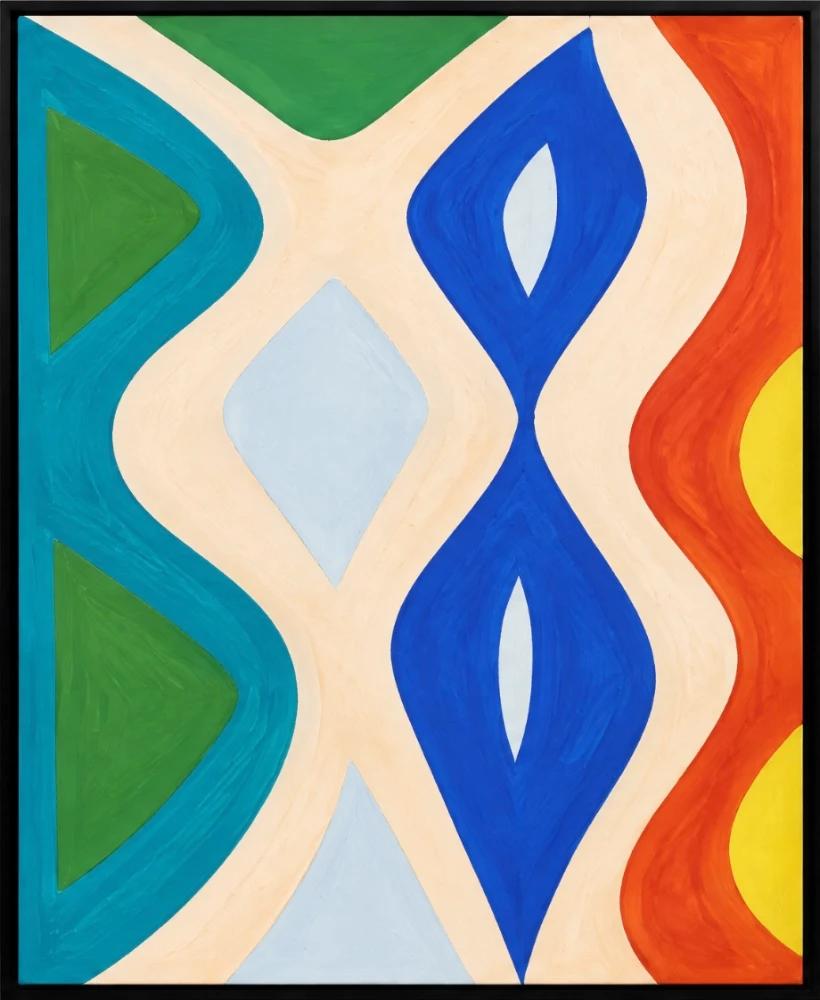
Example: a 4000 × 5000 px image
Add yours, or drop it here. It stays on your device.
- Shape
- 4:5 portrait
- Largest sharp print, 300 dpi
- 33.9 × 42.3 cm · 13.3 × 16.7 in
- Largest poster, 150 dpi
- 67.7 × 84.7 cm · 26.7 × 33.3 in
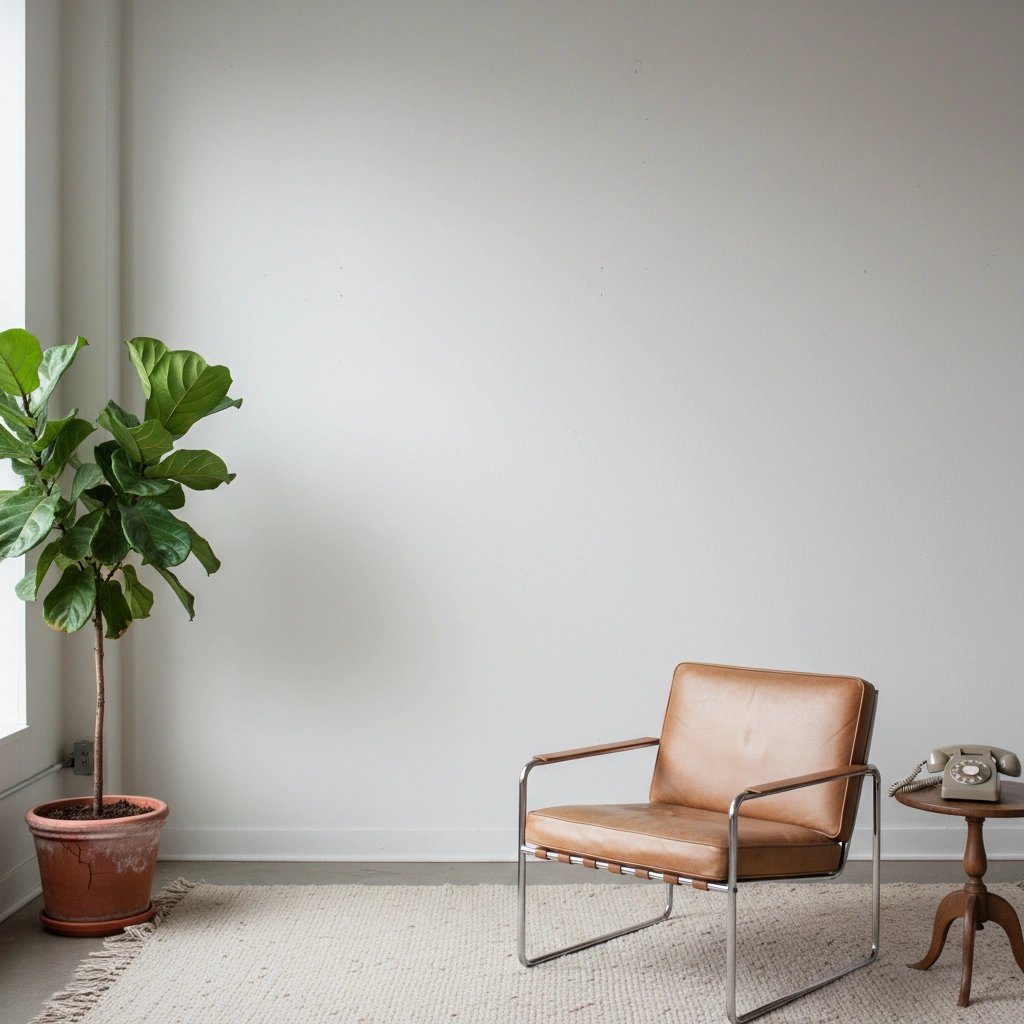
24 × 30 in (61 × 76.2 cm), hung at its real size. Contemporary living room with a plant and a leather chair
Fits without cropping (4)
Needs a crop (28)
How to read the results
Crop. Sizes that share your image’s shape print it whole. The rest cut a strip from two edges, and each row says which edges and how much.
dpi. Pixels per inch of print, after any crop. 300 or more is sharp up close, 200 is good, 150 is fine for posters seen from a step back, and below that the print looks soft.
The wall. The chosen size hangs at its real size, so an A4 print looks as small beside an armchair as it will at home. Switch rooms to see it above a sofa, above a bed, above a sideboard and in a gallery.
Standard print sizes by shape
| Shape | Sizes |
|---|---|
| 1:1 | 8 × 8 in, 10 × 10 in, 12 × 12 in, 16 × 16 in, 20 × 20 in |
| 4:5 | 8 × 10 in, 16 × 20 in, 24 × 30 in, 40 × 50 cm |
| 11:14 | 11 × 14 in |
| 8.5:11 (US Letter) | 8.5 × 11 in |
| 3:4 | 12 × 16 in, 18 × 24 in, 30 × 40 in, 30 × 40 cm, 60 × 80 cm |
| 1:1.38 | 13 × 18 cm |
| 5:7 | 5 × 7 in, 50 × 70 cm |
| 1:√2 (A sizes) | A5, A4, A3, A2, A1, A0 |
| 7:10 | 70 × 100 cm |
| 2:3 | 4 × 6 in, 12 × 18 in, 20 × 30 in, 24 × 36 in, 60 × 90 cm |
| 11:17 | 11 × 17 in |
Shapes are width to height for portrait prints. Turn them round for landscape.
Questions
What resolution do I need to print?
300 dpi, meaning 300 pixels for every inch of print, is the standard for prints seen up close: anything framed on a desk or shelf, and most prints up to A3. Large prints are seen from further away, so 150 to 200 dpi looks sharp on a poster across a room. Below 150 dpi, edges and fine texture start to soften.
How do I find my image’s pixel size?
Choose the image above and the calculator reads it for you, without uploading it. Otherwise: on a Mac, open it in Preview and choose Tools, then Show Inspector. On Windows, right-click the file, choose Properties, then Details. On a phone, swipe up on the photo or tap its info button.
What size can I print a 12 megapixel photo?
A 12 megapixel photo is 4000 × 3000 pixels, a 4:3 shape. It prints sharp up close at up to 13.3 × 10 in (33.9 × 25.4 cm), and looks good from a step back at up to 26.7 × 20 in (67.7 × 50.8 cm). Sizes with a 3:4 shape, such as 12 × 16 in, 18 × 24 in and 30 × 40 cm, take it without cropping.
How many pixels do I need for an A4 print?
2480 × 3508 pixels for 300 dpi. A sizes share one shape, 1:√2, so the same image fits every size from A5 to A0 without cropping. An image with the 4:5 shape of an 8 × 10 in print loses about 12% from its sides on A4.
Why does my print need cropping?
Every print size has a shape, and a camera or scanner rarely matches it. A 3:2 camera photo fits 4 × 6 in and 24 × 36 in exactly, but 8 × 10 in is a squarer shape and trims about 17% off its length. The calculator lists the sizes that fit first, then the rest by how little they trim.
How big should a print be on my wall?
Numbers rarely settle it, so the calculator hangs your chosen size at its real size in real rooms. For more rooms, browse the wall art mockups or see your work in every room at once. To choose a frame and mount for it, try the frame size calculator.
More free tools
- Video of your art on a wallA vertical video for Instagram, TikTok and Reels: your work hung at its real size in rooms you pick, with the camera moving across each one. First video free with no account, no watermark.
- Video of your art through six roomsA vertical video that cuts through six rooms on the beat, your work hung at its real size in each one and filling more of the frame every cut. Pick a room style; the rooms themselves are chosen for your work. First video free, no watermark.
- Close-up photos of your artA styled close-up of your work in a real room, the kind of shot that looks professionally photographed. Your own painting, not a redrawing. Free account, no watermark.
- Etsy listing photo generatorTen square listing photos of your work in ten rooms, each at its real size. 2000 × 2000 px, under 1 MB, numbered in listing order, in one download.
- Frame size calculatorWhich ready-made frame takes your print, how wide the mount will be at the sides and top, and the framed print on a real wall. A sizes, centimetres and inches.
- Wall art size calculatorThe size of art that suits a sofa, bed, sideboard or fireplace, the standard sizes that fit, and that size hung above one just as wide in real rooms.
- Print resolution checkerWhether your image prints sharp at A4, A2, a poster or any custom size, how much a crop trims off, and the print hung at its real size.
- Wall art mockup generatorUpload your work, add its size, and see it hung at its real size in 60 rooms at once, 600 with a free account. No watermark, no account needed to start.