Close-up photos of your art
Hang your work in a room at its real size, then get a close-up of it styled in that room: the kind of shot that makes a listing or a post look professionally photographed. It is your own painting in the photo, not a redrawing.
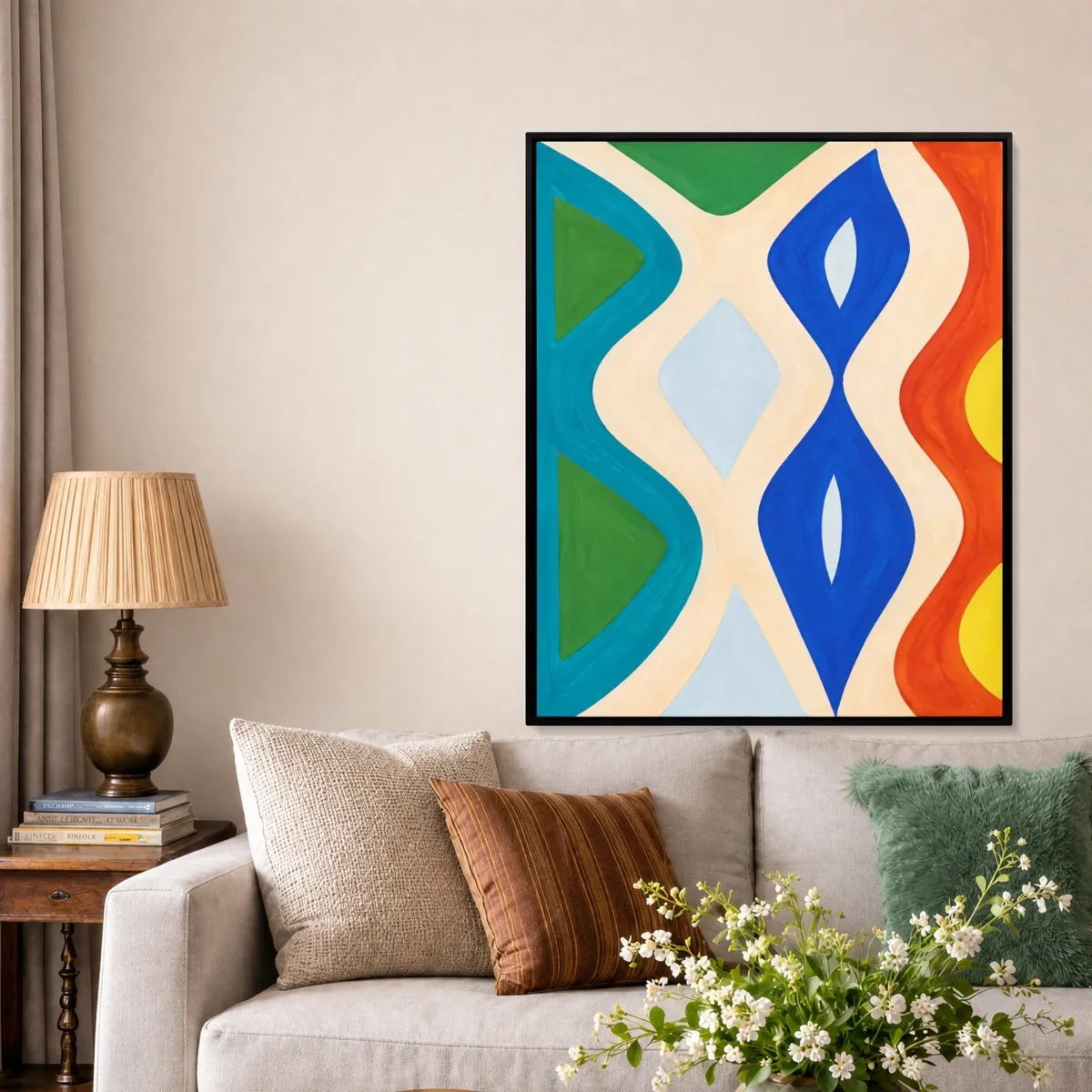
Before 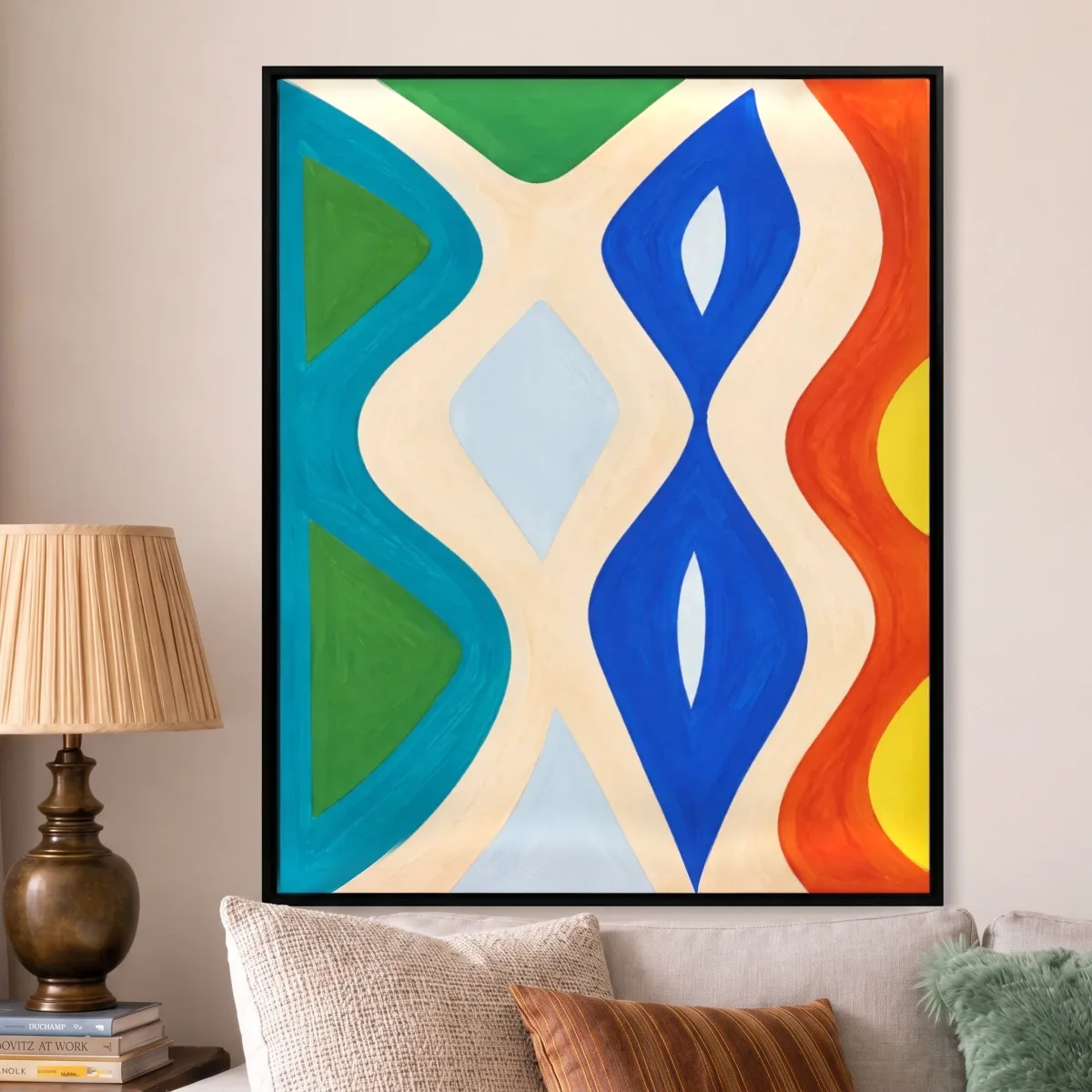
Close-up 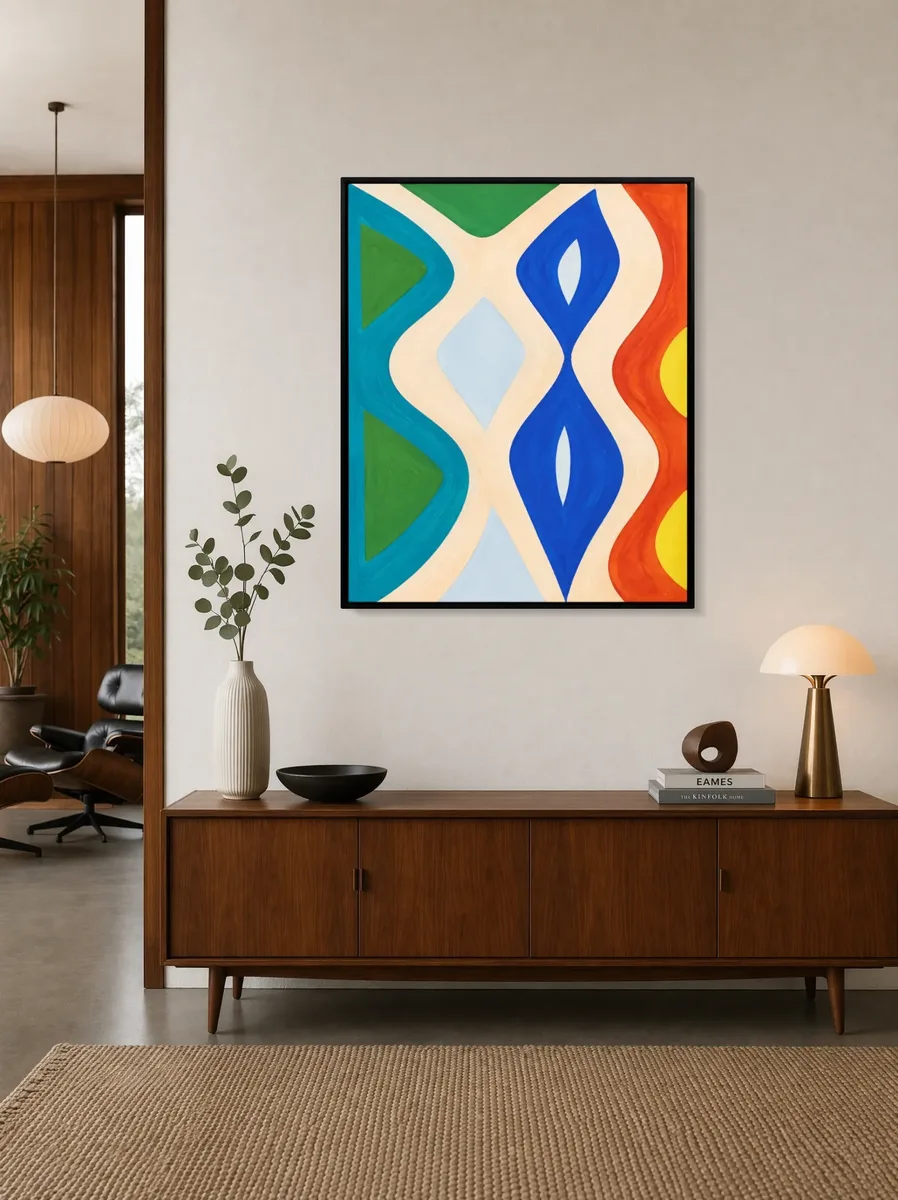
Before 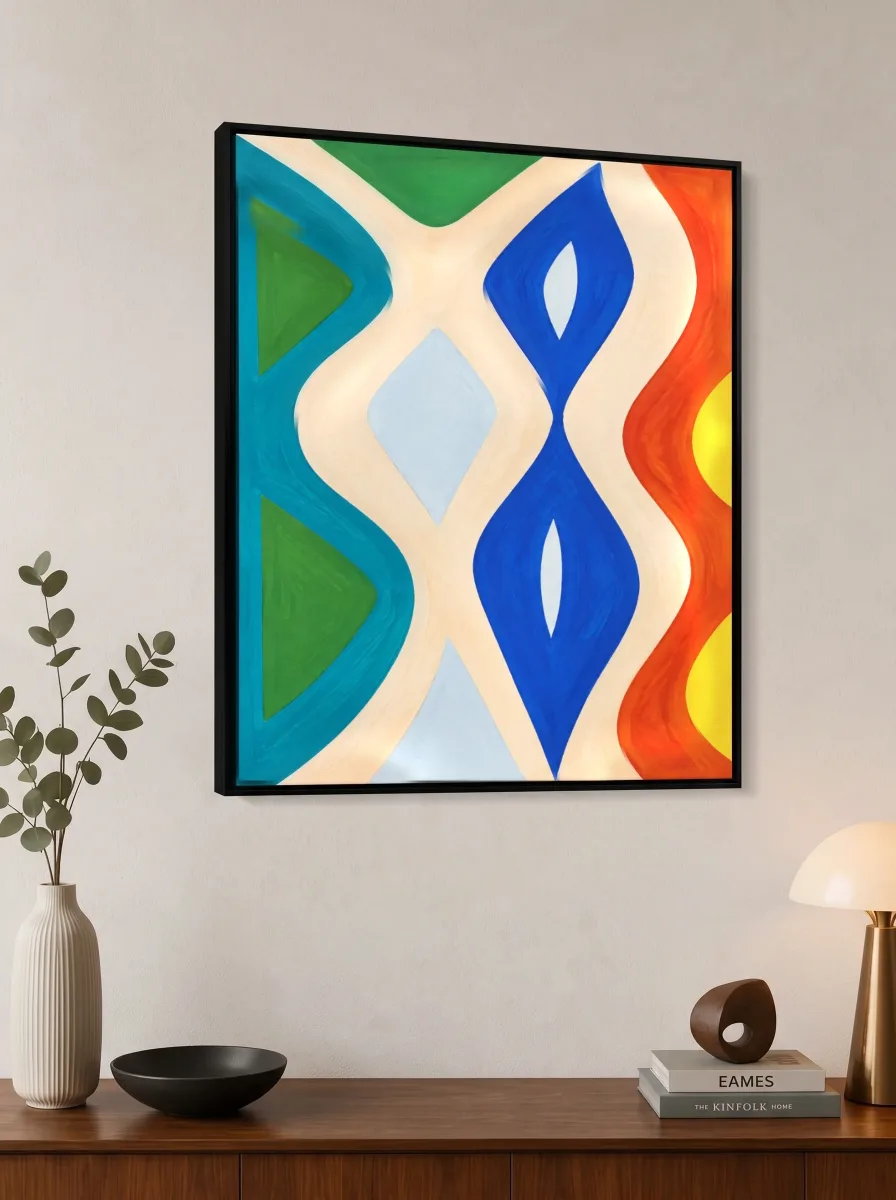
Close-up 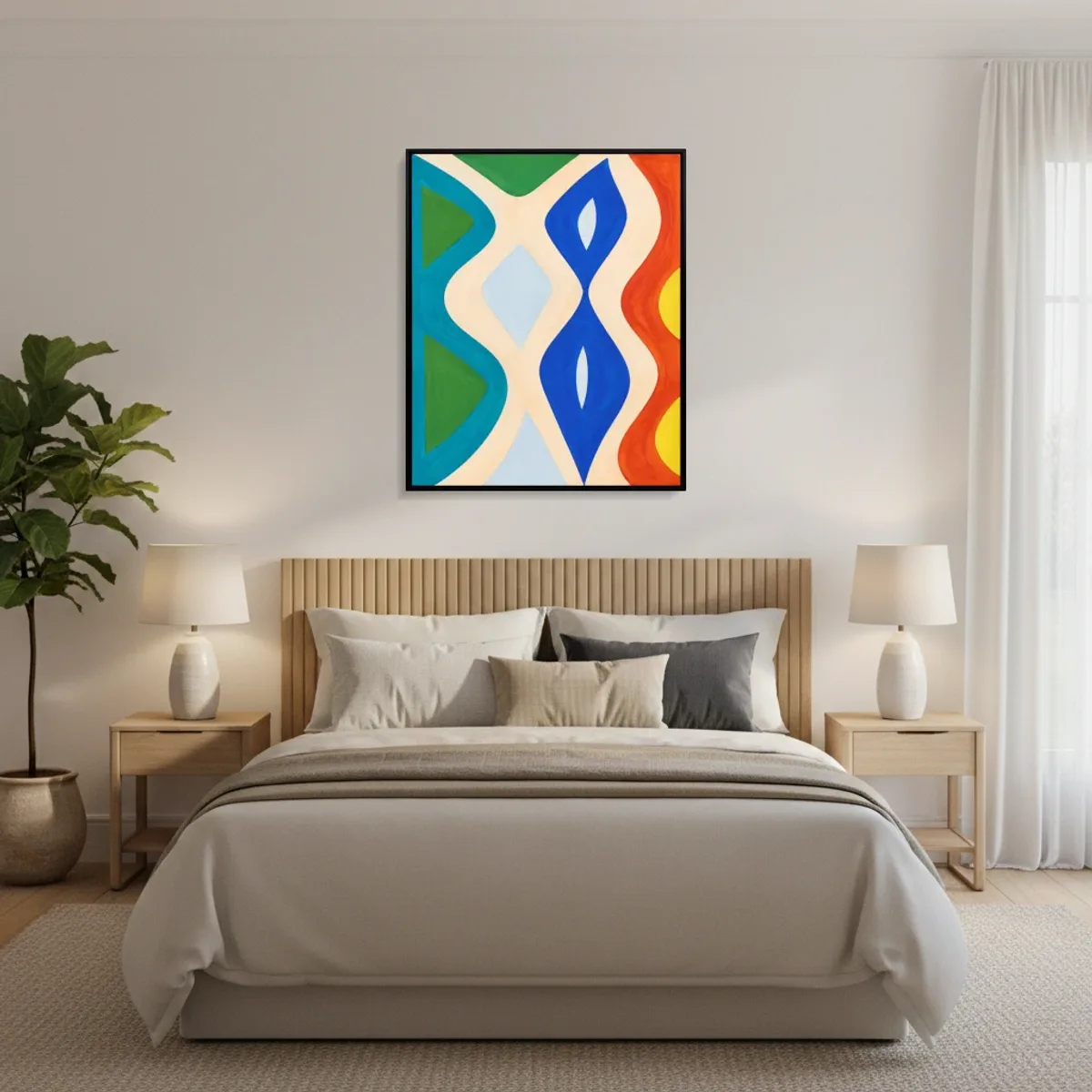
Before 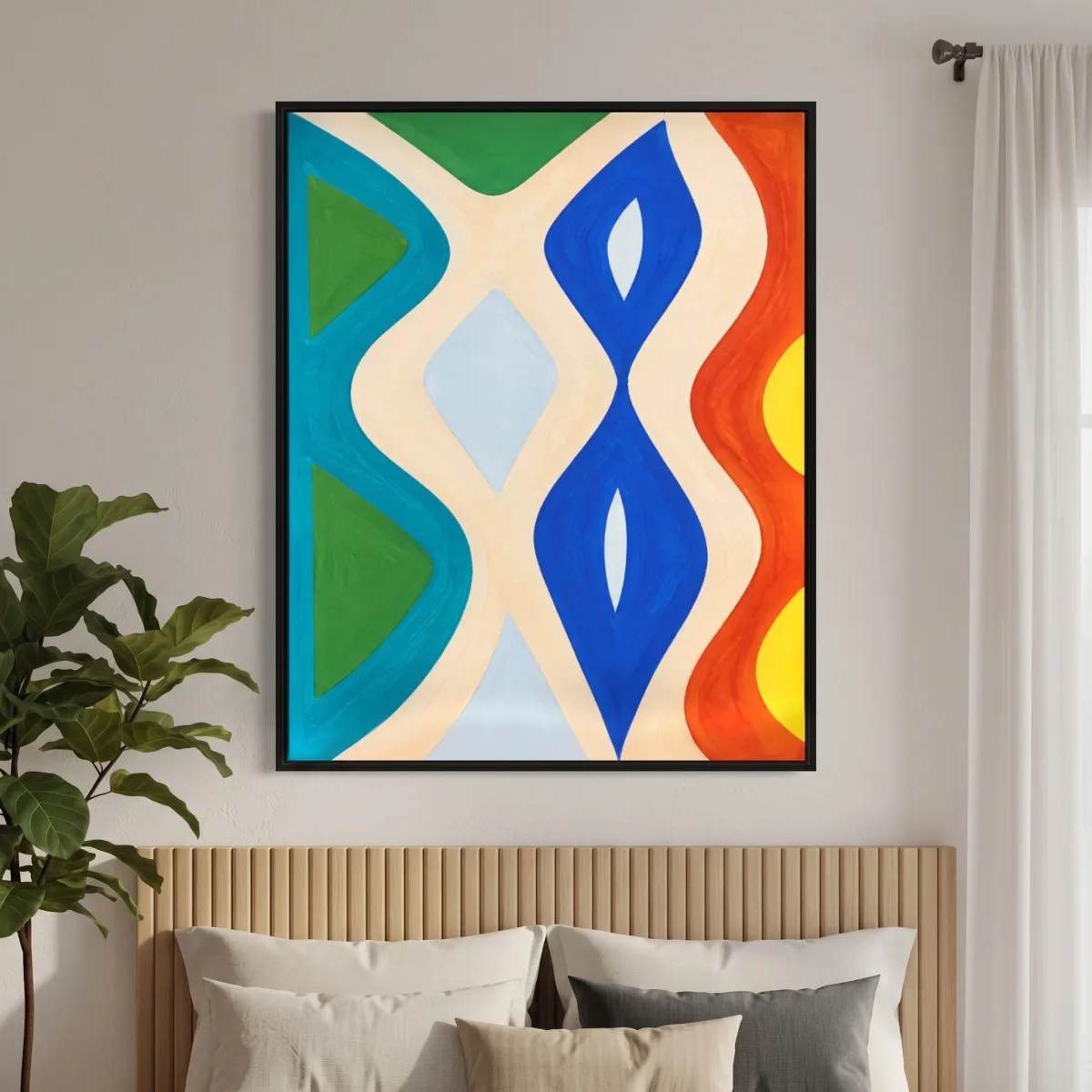
Close-up
Contemporary living room with a neutral sofa and lamp

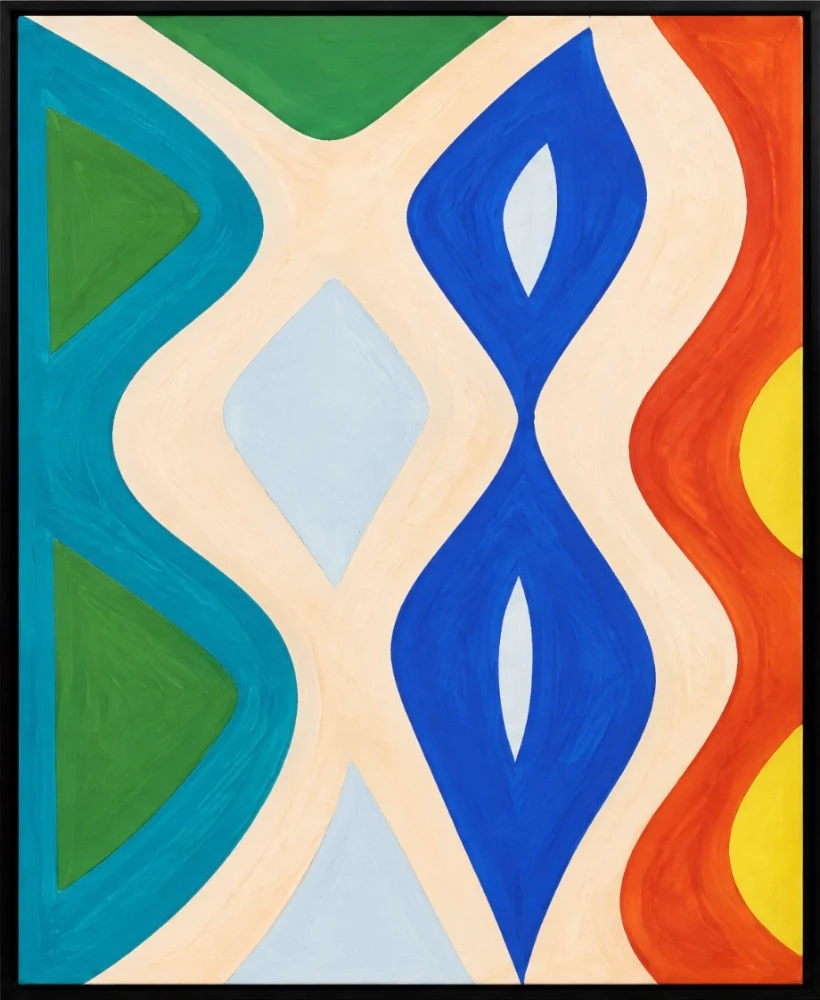
Showing a sample painting
Add your work and its size to make a close-up of it.
How it works
- Add your work and its real size. It hangs at that size in each room, so you can see which suits it.
- Choose a room. Rooms with furniture near the wall make the best close-ups, with a lamp, a plant or a vase in the frame.
- Make the close-up. Sign up free the first time. The shot is saved to your mockups and downloads without a watermark.
Questions
Is it my painting in the close-up?
Yes. Once the shot is taken, your own painting is placed back into it, so the colours, brushwork and signature are yours. If it cannot be matched exactly, the shot is taken again. If it still cannot, you get the close-up as it was taken, with the painting as the camera saw it, we say so, and it does not count against your account.
How many close-ups can I make?
A free account includes 10. Pro includes 200 a month, shared with the other generated shots in the app.
Why do I need an account?
Each close-up is a new photograph made for you, and an account keeps them in your mockups to download again. Hanging your work in the rooms and choosing one needs no account.
Can I use the photos in my shop and on social media?
Yes. You can use your close-ups for any purpose, including shop listings such as Etsy, your website, social media, advertising and print. See the terms.
How long does it take?
Usually under a minute. A shot that has to be taken again takes about twice as long.
More free tools
- Video of your art on a wallA vertical video for Instagram, TikTok and Reels: your work hung at its real size in rooms you pick, with the camera moving across each one. First video free with no account, no watermark.
- Video of your art through six roomsA vertical video that cuts through six rooms on the beat, your work hung at its real size in each one and filling more of the frame every cut. Pick a room style; the rooms themselves are chosen for your work. First video free, no watermark.
- Short video of your art in a roomAbout 12 seconds: a slow look up your work's surface, the whole work on the wall, then hung at its real size in a room you pick, ending on its title and size. First video free, no watermark.
- Sculpture mockupsYour sculpture on a plinth, a table or the floor of a styled room, from one photo of the piece. Free account, no watermark.
- Etsy listing photo generatorTen square listing photos of your work in ten rooms, each at its real size. 2000 × 2000 px, under 1 MB, numbered in listing order, in one download.
- Your painting in a client’s room photoUpload a painting and a photo of a collector’s or client’s wall, set the room’s scale with one chair, and see the work hung there at its real size, in your browser. Free to try, the photo never leaves your device; the full-size image is Pro.
- Exhibition mockupsInstallation views of your show before you hang it: your works together in gallery rooms, straight on and from the angle a visitor sees. Free, no watermark.
- Installation views before the hangFor galleries planning a show: hang the works once in a gallery photographed from four spots, and every view that sees a wall shows its works in the same place. Free to try; the set downloads on Artist and above.
- Art fair booth mockupFor artists taking a stand at an art fair: hang your works once on a 5 m stand and see it from six spots in the aisle. Free to try; the set downloads on Artist and above.
- Art fair proposalFor artists and galleries who haven't started an application: hang your works on a booth, add each work's details and download one A4 PDF with the booth, your framed works and an about page. Free to try; the PDF downloads on Artist and above.
- Art fair booth planFor galleries whose application asks for a booth concept with a sketch: your artists' works hung on a gallery booth and seen from six spots in the aisle. Free to try; the views download on Artist and above.
- Art exhibition proposalFor anyone pitching a show: hang your works in a gallery, add each work's details and download one A4 PDF with the show, your framed works and an about page. Free to try; the PDF downloads on Artist and above.
- Art fair booth ideasFour ways to hang an art fair booth, each shown on the booth it suits, then your own works on a booth seen from six spots in the aisle. Free to try; the views download on Artist and above.
- Print on demand mockupsListing photos for print on demand: your print in up to six rooms in one zip, at each size you sell, plus a close-up. Free, no watermark, no account to start.
- Framed art mockupsSee your work framed and hung: slim, box or floating frames in black, white, oak, walnut, gold or silver, with a mount if you want one. Free, no watermark.
- Office and hotel art mockupsPresent a painting or print in an open-plan office, a meeting room, a hotel lobby and bedroom, a restaurant and a café, at its size. For art consultants, dealers and artists. Free, no watermark.
- Print size calculatorEvery standard print size your image fits without cropping, how sharp each one prints, and the print on a real wall at its real size.
- Frame size calculatorWhich ready-made frame takes your print, how wide the mount will be at the sides and top, and the framed print on a real wall. A sizes, centimetres and inches.
- Wall art size calculatorThe size of art that suits a sofa, bed, sideboard or fireplace, the standard sizes that fit, and that size hung above one just as wide in real rooms.
- Print resolution checkerWhether your image prints sharp at A4, A2, a poster or any custom size, how much a crop trims off, and the print hung at its real size.
- Wall art mockup generatorUpload your work, add its size, and see it hung at its real size in 60 rooms at once, 700 with a free account. No watermark, no account needed to start.