Etsy listing photos for your art
Add your work and its size, and get 10 square listing photos in 10 rooms, each with the work hung at its real size. 2000 × 2000 px, under 1 MB each, numbered in listing order, in one download. Free, no watermark, no account needed.
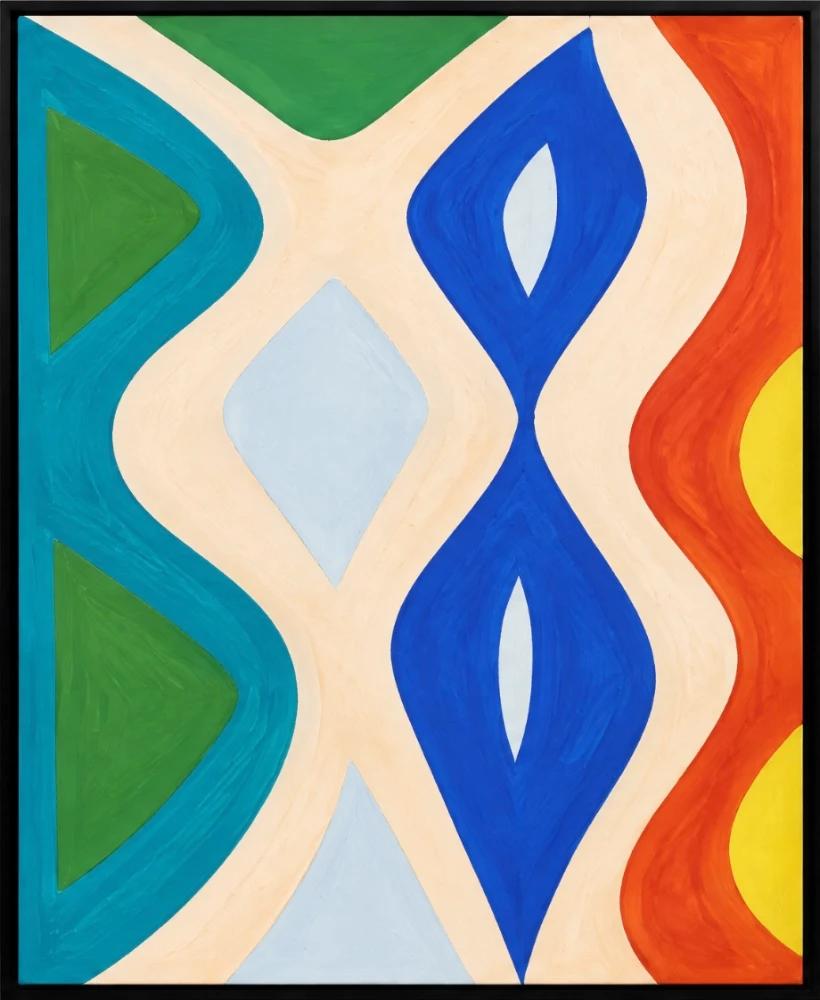
Showing a sample painting, 82 × 100 cm
Add your work and its size to make your pack.
Your 10 listing photos
2000 × 2000 px JPEGs under 1 MB, numbered in listing order. The first is your main photo.
- 1 · Main photo

Contemporary living room with a chair and side table
- 2
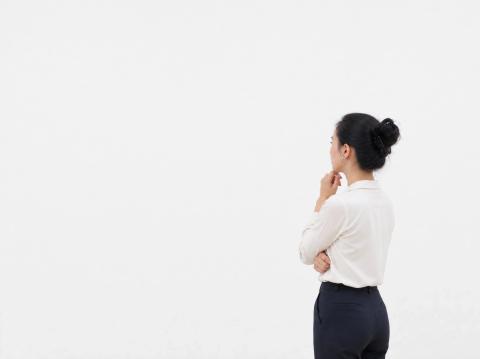
Minimalist gallery space with a thoughtful visitor
- 3

Contemporary hallway with a wooden chest of drawers
- 4

Warm contemporary space with a decorative lantern and vase
- 5
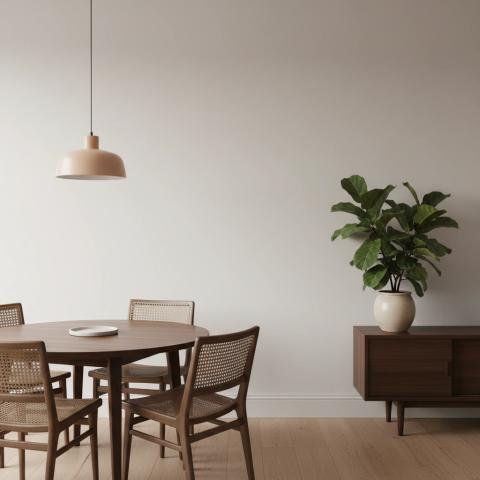
Contemporary dining room with a round table and sideboard
- 6
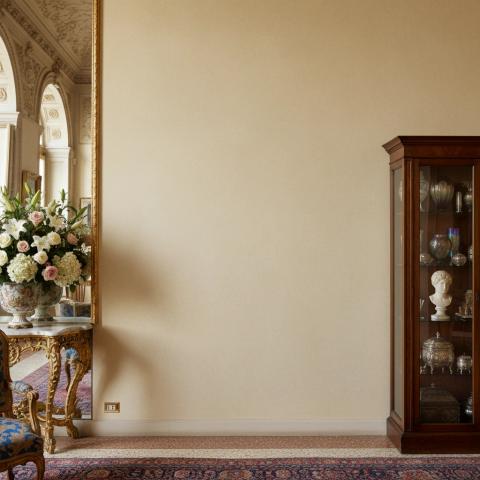
Grand room with an ornate mirror and display cabinet
- 7

Contemporary kitchen with island and natural light
- 8

Minimalist white-cube gallery with a visitor looking at the wall
- 9

Eclectic living room with concrete wall and books
- 10

Contemporary bedroom with a neutral bed and nightstands
More rooms
Tap a room to add it to the end of your pack.
These are the free rooms. Sign up free to hang your work in all 600.
How to use your pack
- Add your work and its real size. Crop to the edges of the work so it hangs cleanly.
- Check the rooms. The first is your main photo. Remove any room, add another from the ones below, or star a room to put it first.
- Download and upload. Add the photos to your listing in their numbered order.
Questions
What size should Etsy listing photos be?
Etsy recommends at least 2000 pixels on the shortest side and files under 1 MB, and shows listing photos as squares in Shop Home. Every photo in the pack is 2000 × 2000 pixels and under 1 MB, so the square view shows the whole photo.
Which photo should go first?
Etsy uses a listing’s first photo as its default image in Shop Home, so make it the one where the work reads at a glance. The pack starts with the home where your work fills the frame best without crowding it. Tap the star on any other room to make it the main photo instead.
Why does my work look small in some rooms?
Every room shows the work at the size you gave. A 20 × 25 cm print is small on a living room wall, and that is how it will look when it arrives. For small work, keep the rooms where the wall is close, and remove the ones where it is lost.
I sell several sizes. Which size should I use?
Make a pack at each size you sell. Change the size by adding your work again, and each pack shows buyers exactly what they are choosing between. To check which sizes your image prints at, use the print size calculator.
Can I use other rooms?
Swap any room in the pack for one of the free rooms below it. For more, sign up free and hang your work in all 600 rooms, then download the ones you want.
More free tools
- Video of your art on a wallA vertical video for Instagram, TikTok and Reels: your work hung at its real size in rooms you pick, with the camera moving across each one. First video free with no account, no watermark.
- Video of your art through six roomsA vertical video that cuts through six rooms on the beat, your work hung at its real size in each one and filling more of the frame every cut. Pick a room style; the rooms themselves are chosen for your work. First video free, no watermark.
- Close-up photos of your artA styled close-up of your work in a real room, the kind of shot that looks professionally photographed. Your own painting, not a redrawing. Free account, no watermark.
- Print size calculatorEvery standard print size your image fits without cropping, how sharp each one prints, and the print on a real wall at its real size.
- Frame size calculatorWhich ready-made frame takes your print, how wide the mount will be at the sides and top, and the framed print on a real wall. A sizes, centimetres and inches.
- Wall art size calculatorThe size of art that suits a sofa, bed, sideboard or fireplace, the standard sizes that fit, and that size hung above one just as wide in real rooms.
- Print resolution checkerWhether your image prints sharp at A4, A2, a poster or any custom size, how much a crop trims off, and the print hung at its real size.
- Wall art mockup generatorUpload your work, add its size, and see it hung at its real size in 60 rooms at once, 600 with a free account. No watermark, no account needed to start.