Free tool
Is your image good enough to print at that size?
Choose an image and a print size. You get how sharp it will print, how much a crop trims off, the largest size it prints sharp, and the print hung at its real size on a real wall.
Your image
Checked in your browser. Nothing is uploaded.
Or type its size in pixels:
A 12 MP phone photo, as an example.
At A2 42 × 59.4 cm (16.5 × 23.4 in)
172 dpi
Fine from a few steps back
Between 150 and 200 dpi. Enough for posters and large canvases seen across a room, soft if you lean in.
Cropped to fit: the print is a different shape, so 6% of the image’s width is trimmed off.
- Sharp at A2 needs
- 4,961 × 7,016 px
- Largest sharp print, 300 dpi
- 26 × 34 cm (10 × 13 in)
- Largest poster, 150 dpi
- 51 × 68 cm (20 × 27 in)
How big A2 is on a wall
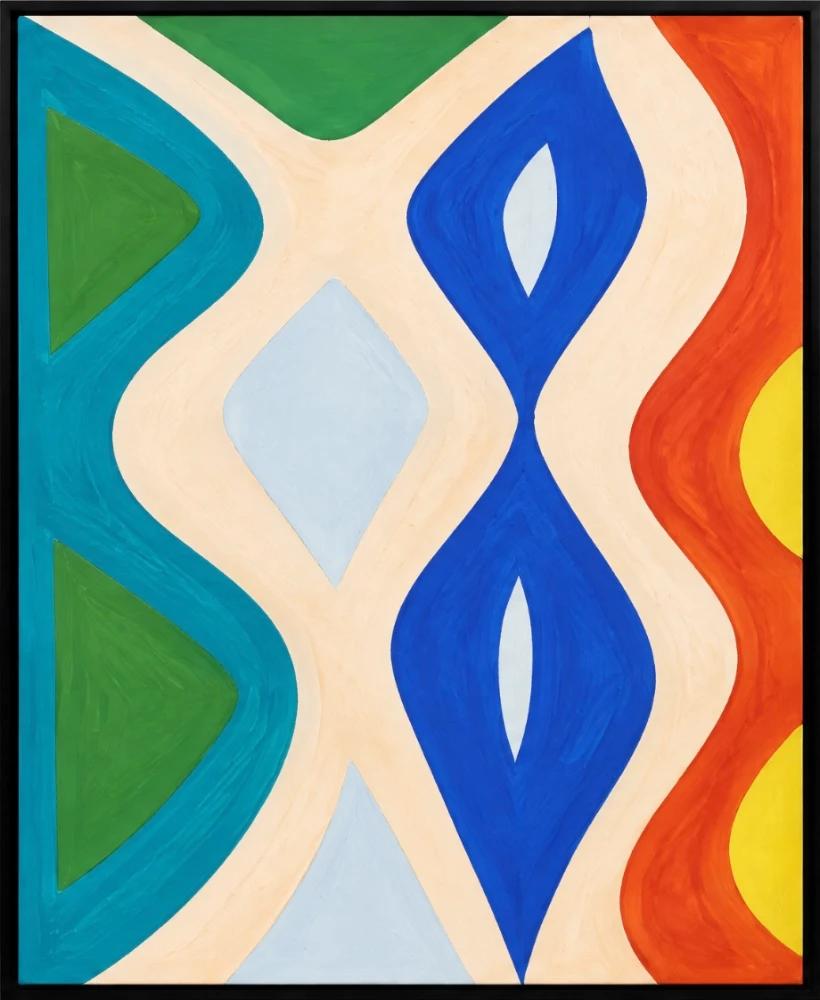
A 42 × 59.4 cm print of the sample painting, hung at its real size. Choose an image to see yours.

Pixels, print size and dpi
How sharp a print looks depends on two numbers: the image’s size in pixels, and the print’s size in inches or centimetres. Divide one by the other and you get dots per inch, the number print shops ask for.
The right number depends on how close people stand. A print in the hand needs 300 dpi. A print on a wall, seen from a step or two away, looks just as sharp at 200. A large poster seen across a room gets away with 150.
Size matters as much as sharpness. A print that checks out at A4 can look lost on a wall, which is why the checker hangs the print at its real size before you order it.
Questions
- What resolution do I need to print?
- 300 dpi for prints looked at up close, like photographs and fine art prints. At 200 dpi, almost nobody can tell the difference once the print is on a wall. 150 dpi is enough for posters and large canvases seen from across a room.
- How big can I print a 12 megapixel photo?
- A 4,032 × 3,024 px phone photo prints sharp at 300 dpi up to 34 × 26 cm (13 × 10 in), and as a poster at 150 dpi up to 68 × 51 cm (27 × 20 in).
- How many pixels do I need for A3, A2 and A1?
- At 300 dpi, A3 needs 3,508 × 4,961 px, A2 needs 4,961 × 7,016 px and A1 needs 7,016 × 9,933 px. At 150 dpi, half as many each way.
- Is dpi the same as ppi?
- For this, yes: both count how many of the image’s pixels land in each inch of the print. The dpi number saved in a file’s settings changes nothing. Only the pixel size and the print size matter.
- Why is my image cropped?
- When the image is a different shape from the print, the print fills the paper and trims the overflow. A 3:4 phone photo printed at an A size loses about 6% of its width.
- Can I make a low-resolution image print sharper?
- Upscaling software adds pixels, and a good upscaler can make a soft print look cleaner, but it invents detail rather than recovering it. For artwork, a new photograph or scan at a higher resolution always prints better.
Not sure what size to print? Work out the size of art that suits your wall.