Mockup API
Bulk Art Mockup Generator: Every Painting in Rooms at Its True Size
Every new painting can appear on your website and in your listings already hanging in rooms that suit it, at its true size, without you making a single mockup by hand or opening Photoshop.
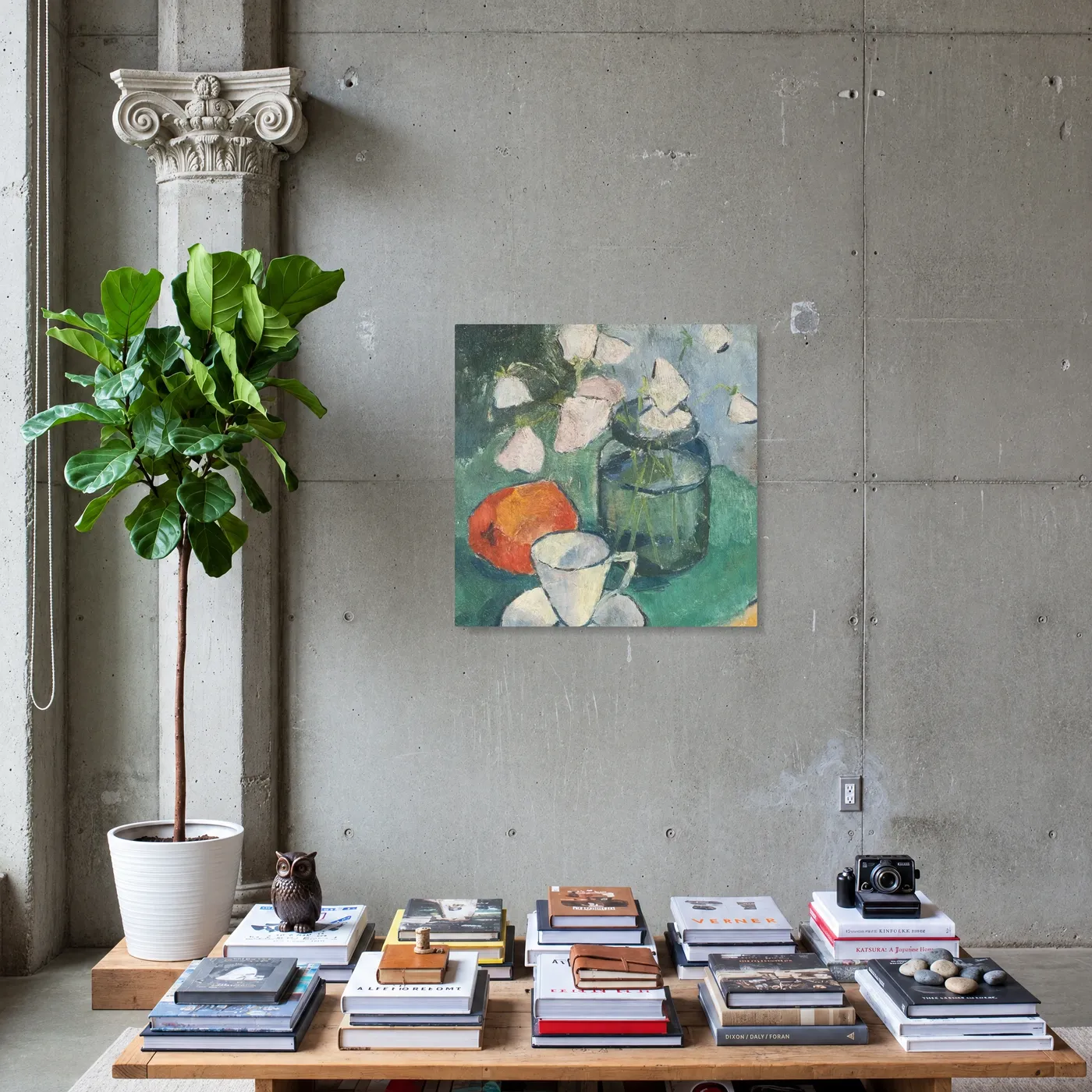
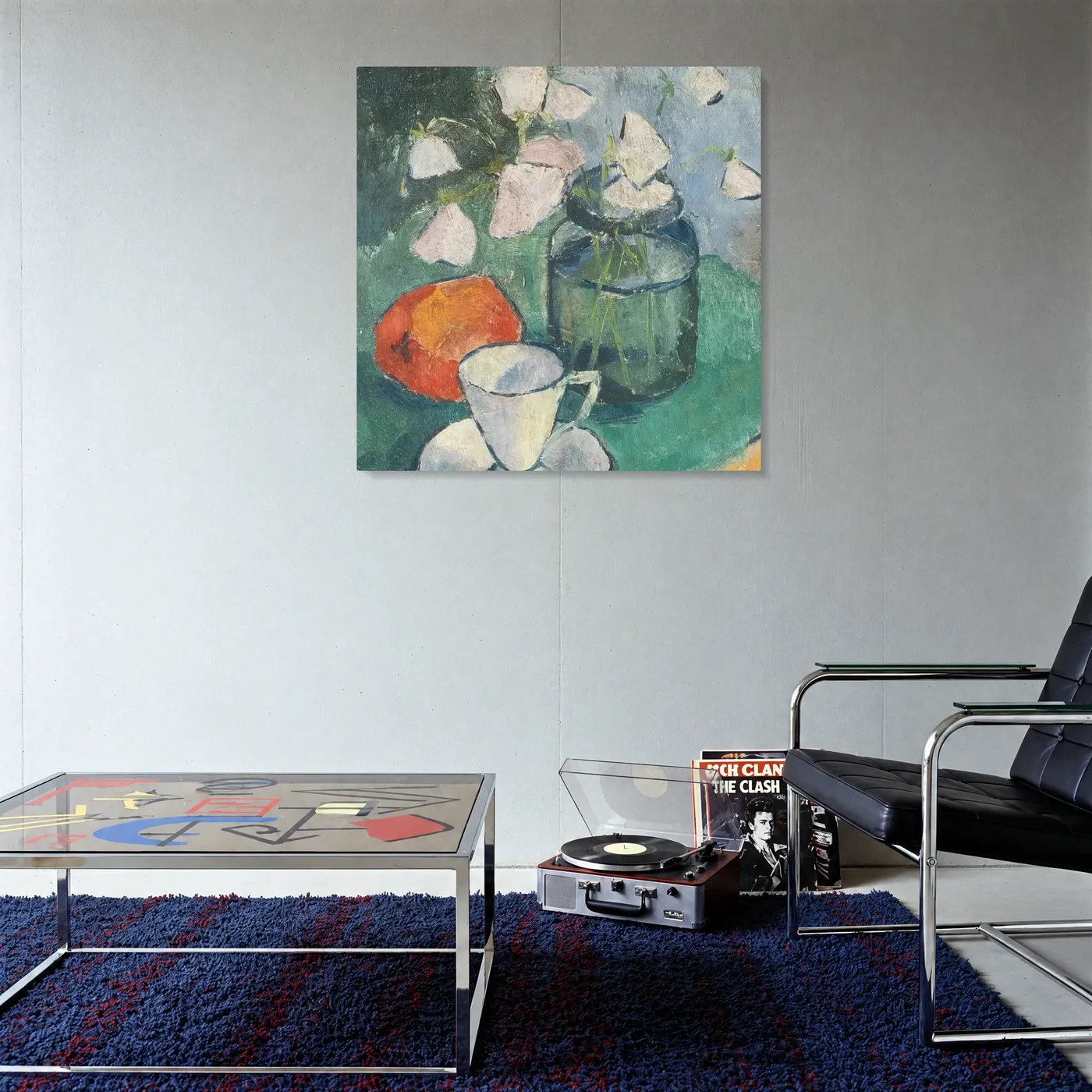
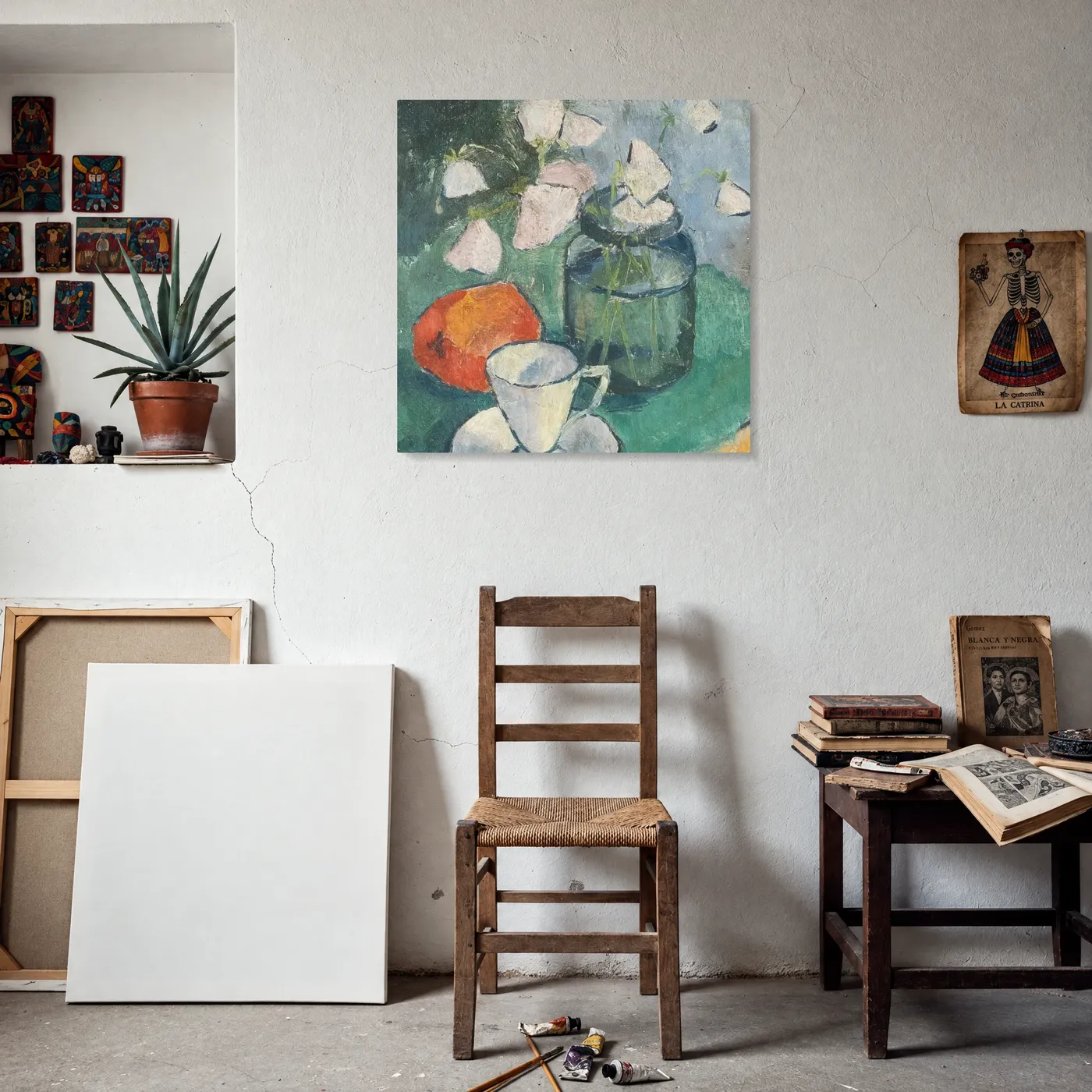
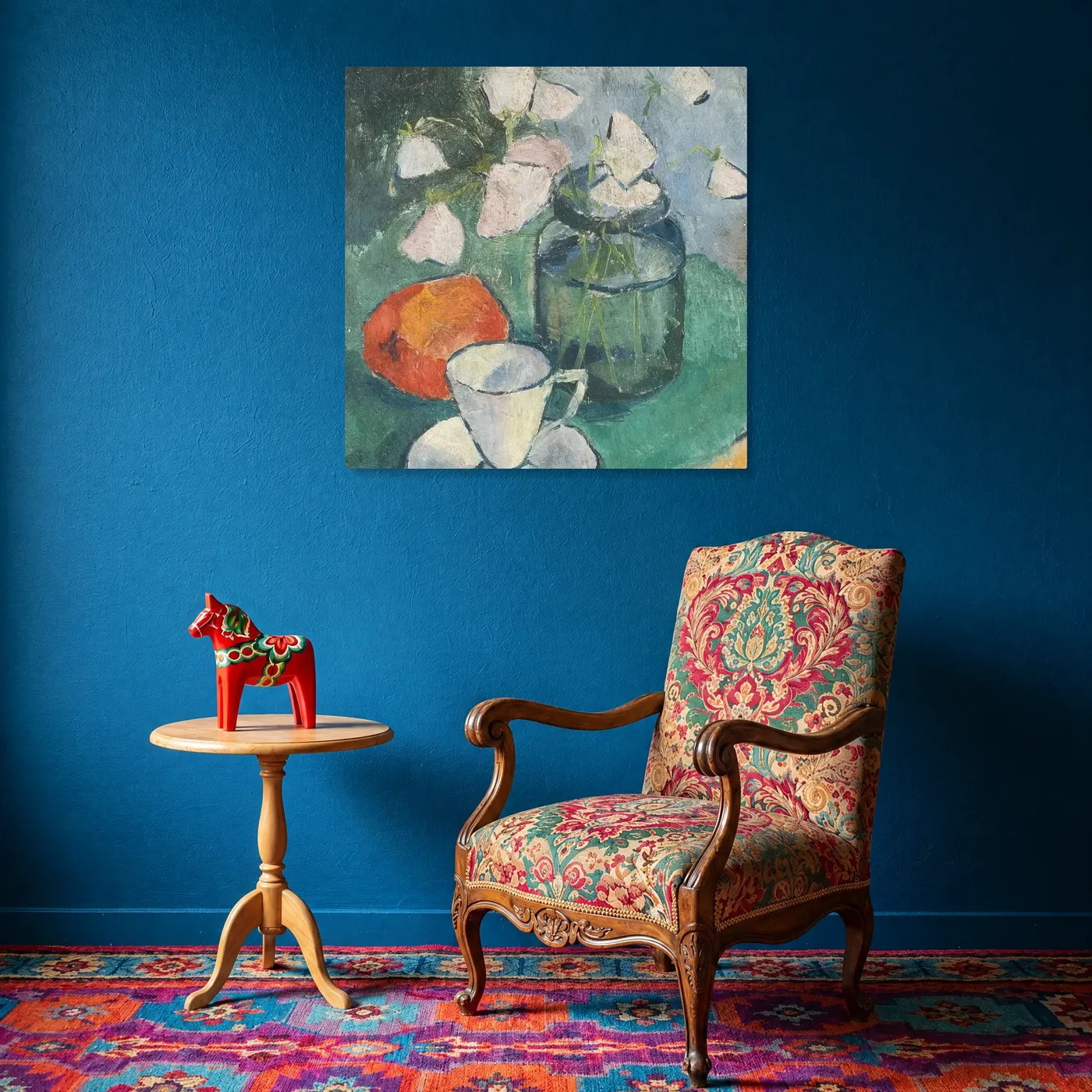
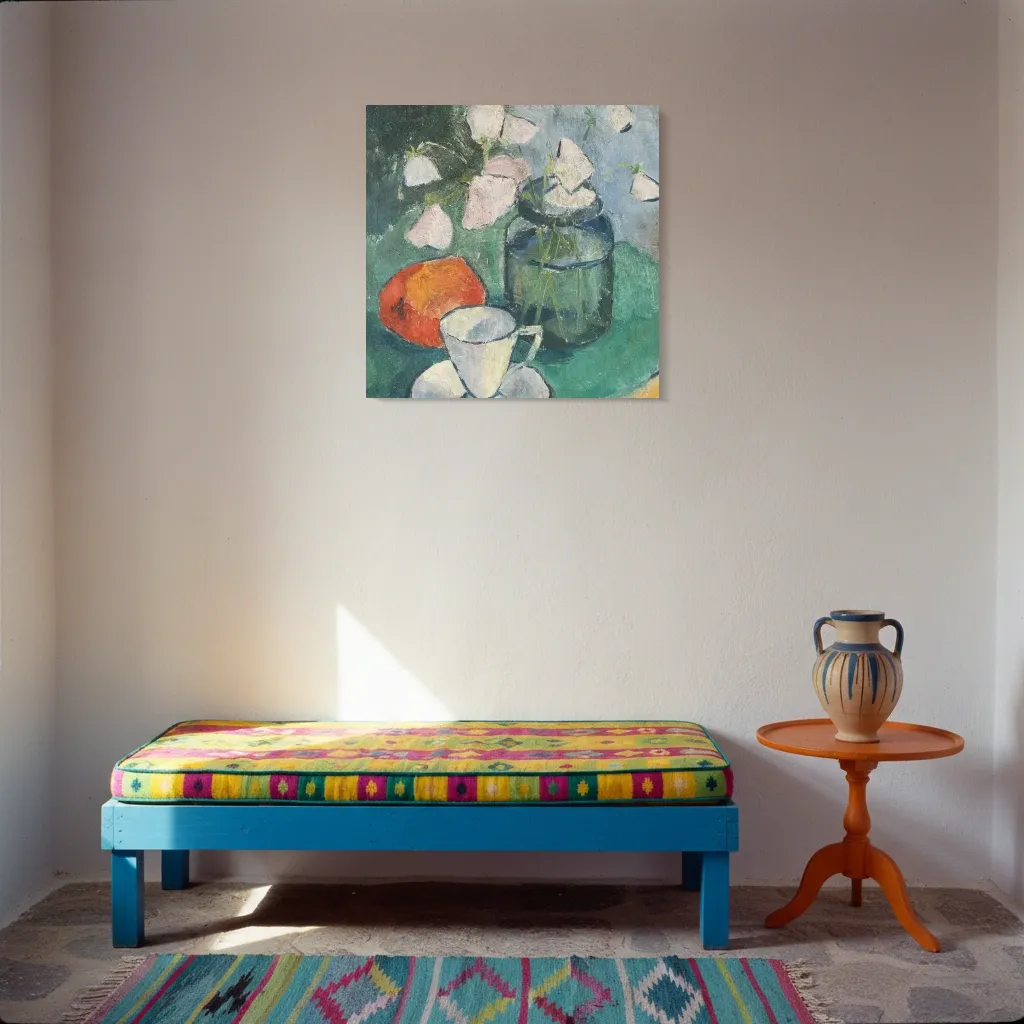
Mockups of a whole series in one go
When you finish a series of twelve canvases, you can have five room mockups of each one, sixty in all, ready the same day and saved under each painting’s title. You provide a photo and the size of each work, and the API chooses the rooms and hangs the paintings at their true sizes. If you would rather not write the code yourself, Claude can write and run it for you.
# 1. Ask for the five rooms that best suit a 65 × 65 cm canvas
curl -X POST https://situ.art/api/v1/mockups/select-backgrounds \
  -H "Authorization: Bearer $SITU_API_KEY" -H "Content-Type: application/json" \
  -d '{"artworkWidthCm": 65, "artworkHeightCm": 65, "count": 5}'

# 2. Hang the painting in each room that comes back
curl -X POST https://situ.art/api/v1/mockups/composite \
  -H "Authorization: Bearer $SITU_API_KEY" -H "Content-Type: application/json" \
  -d '{"artworkImage": "https://example.com/jar-orange-and-cup.jpg",
       "artworkWidthCm": 65, "artworkHeightCm": 65, "backgroundId": "<room id>"}'
Room images on your website as soon as a work is added
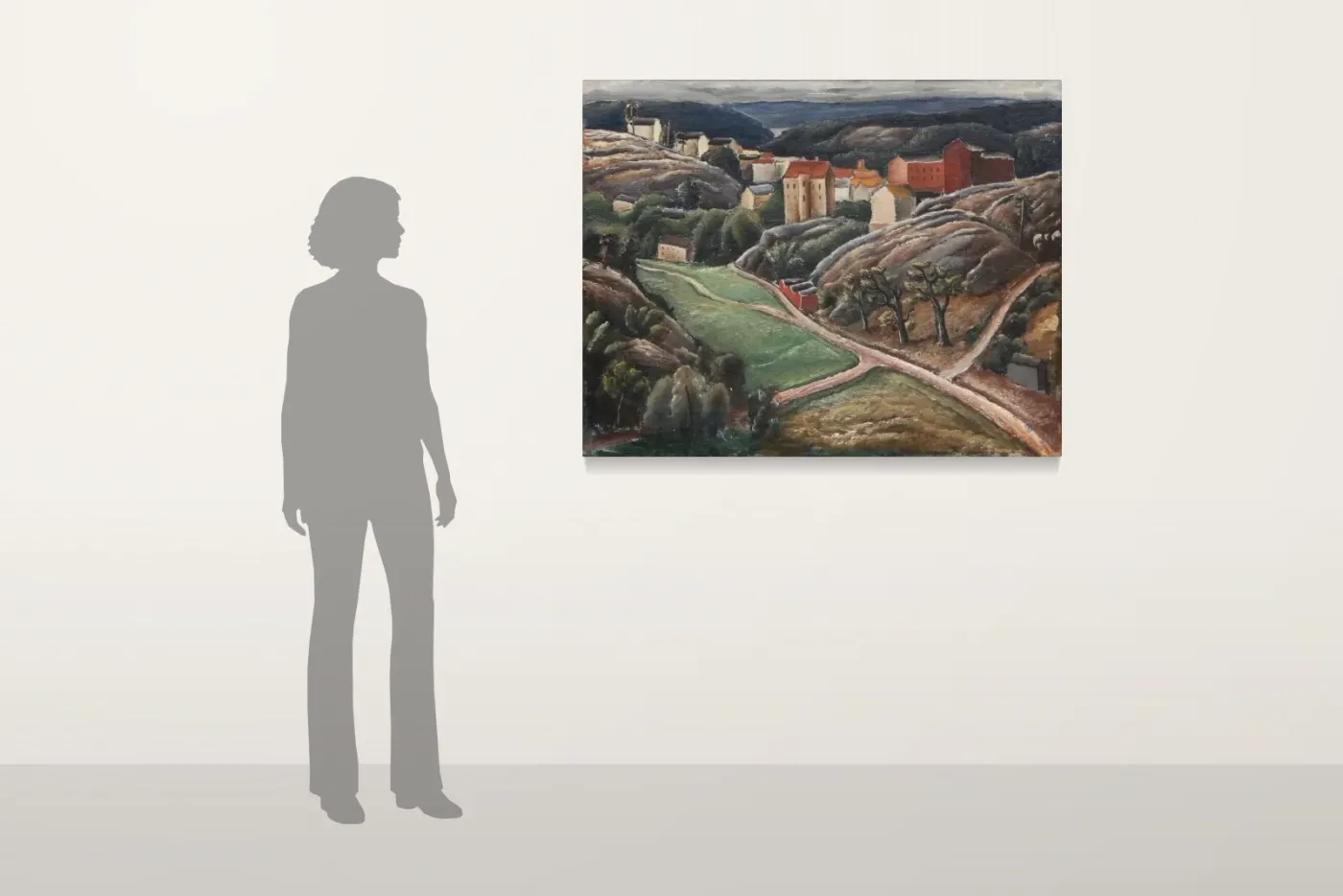
When you add a new painting to your website, it can appear alongside images of it hanging in rooms, so buyers can judge its size and picture it in their own home. The images are made automatically when the work is added, so there is nothing extra for you to do.
Show buyers how big a work really is
Questions
- Do I need to know how to code?
- No. Claude can write and run the code for you if you give it your API key, a folder of photos and the size of each work. Alternatively, whoever manages your website can add it there.
- Can the mockups use my own room photos?
- Yes. Once you have uploaded your own room photos to Situ.art and added them to your shortlist on the API page, the API will choose from those rooms.
- Will my painting be changed?
- No. Your photograph of the work is placed into each room exactly as it is, at its true size. It is never redrawn by AI.
Get an API key
API access is included in the Enterprise plan, which we price on a short call. Standard mockups are unlimited, up to your key's rate limit, so a large series costs no more than a small one.